





















Quick navigationPage navigation
Mobile
Ozwin Casino App for Canada: PWA Setup on Android and iOS
For players coming from casinos that offer polished native applications, this might feel like a step down. In practice, the difference is narrower than it sounds. A PWA loads the same game catalogue, processes the same deposits and withdrawals, and gives you access to the same bonuses as the desktop version. There's no installation file, no storage permissions to approve, no manual updates to download - the casino Ozwin mobile version refreshes automatically every time you open the browser.
The real trade-off is more psychological than functional: you won't see an Ozwin icon with a badge count in your app tray. What you will have is a shortcut on your home screen that opens directly to the casino with a single tap. For most playing sessions - spinning slots during a commute, checking your balance, claiming a weekly promo - that's more than enough.
| Feature | PWA (Ozwin) | Native App | Desktop Browser |
|---|---|---|---|
| Requires download | No | Yes | No |
| App Store / Google Play | Not listed | Would be listed | N/A |
| Auto-updates | Yes | Manual | Yes |
| Full game catalogue | Yes | Depends on version | Yes |
| Deposits and withdrawals | Yes | Yes | Yes |
| Home screen shortcut | Yes (manual pin) | Yes (installed) | No |
| Storage used on device | Minimal | Significant | None |
| Works on older OS versions | Android 4.0+, iOS 12+ | Varies | Yes |
The PWA model is standard for RTG-powered casinos. SpinLogic's game engine runs smoothly in a mobile browser on both Android and iOS, so you're not sacrificing anything on the gameplay side. The shortcut is cosmetic convenience, not a technical compromise.
Android
How to Set Up Ozwin Casino on Android
Android gives you the most flexibility when it comes to browsers, and the setup process takes under two minutes. The recommended browser is Chrome - it renders RTG slots most reliably and gives you the cleanest "Add to Home Screen" prompt. Firefox and Samsung Internet also work, though the exact steps to pin the shortcut differ slightly.
Here's how to get started:
- Open Google Chrome (or your preferred Android browser) on your phone or tablet.
- Type the Ozwin casino URL into the address bar and navigate to the site. The mobile layout loads automatically - no need to select a mobile version.
- Tap the three-dot menu in the top-right corner of Chrome.
- Select "Add to Home Screen" from the dropdown menu.
- A prompt appears asking you to name the shortcut. You can leave the default name or rename it - the choice doesn't affect functionality.
- Tap "Add". The shortcut icon appears on your home screen.
- Tap the icon to open casino Ozwin in a full-screen browser frame - address bar hidden, game canvas centred, just like an app.
Your Android device should be running Android 4.0 or higher, though Android 7.0 or above is recommended for the smoothest experience with newer slot titles. If you're on a budget device running an older version of Android, most games will still load - but you may notice occasional rendering hiccups on graphics-heavy titles.
One practical note: Chrome on Android tends to handle session persistence well. If you close the tab mid-session and return later, your login status is usually preserved. This matters if you're mid-bonus and step away from the phone.
iPhone
How to Add Ozwin Casino to Your iPhone or iPad (iOS)
The iOS setup follows a similar logic but has one important catch: only Safari supports the "Add to Home Screen" function on iPhone and iPad. You can play casino Ozwin through Chrome or Firefox on iOS without any issues, but if you want the home screen shortcut, you have to use Safari. This is Apple's platform policy, not an Ozwin limitation.
Your device needs to be running iOS 12 or higher - which covers every iPhone from the iPhone 5S onwards, so compatibility isn't an issue for the vast majority of Canadian players.
Steps for iPhone and iPad:
- Open Safari on your iOS device.
- Navigate to the Ozwin casino website. The mobile-optimised layout loads automatically.
- Tap the Share button - the box with an arrow pointing upward, located at the bottom of the screen on iPhone or at the top on iPad.
- Scroll through the Share sheet until you find "Add to Home Screen" and tap it.
- Edit the shortcut name if you prefer, then tap "Add" in the top-right corner.
- The Ozwin icon appears on your home screen. Tap it to open the casino in a full-screen Safari view.
The whole process takes about two minutes, including the time to scroll through the Share sheet. Once set up, the iOS experience is stable - Safari handles RTG games well, and the touch controls on slots are responsive. One thing to keep in mind: Safari on iOS occasionally clears website data if storage is low, which can log you out of your session. Keeping your device storage reasonably free avoids this.
What You
What You Can Do in the Ozwin Mobile Browser Version
A common concern with browser-based casino access is that the mobile version might be a stripped-down experience - fewer games, limited banking, no access to promotions. That's not the case here. The Ozwin casino mobile version is a full mirror of the desktop site, with the same catalogue and the same account functions.
Here's what's available on mobile:
- Full access to 250+ games, including RTG slots, progressive jackpots, table games, video poker, and specialty titles
- Deposits and withdrawals in CAD, including Interac, Visa, Mastercard, Bitcoin, eZeeWallet, and other supported methods
- Bonus activation through Cashier → Coupons - same flow as desktop
- Promotions page with all active offers: OzDeal, Cash Boomerang, Pokie of the Month, Weekly Draw
- Live chat support (24/7) accessible directly from the mobile interface
- Account management: profile settings, transaction history, KYC document upload
- Demo mode available on select titles after registration
| Feature | Mobile (PWA) | Desktop |
|---|---|---|
| Game catalogue | 250+ | 250+ |
| Deposits | Yes | Yes |
| Withdrawals | Yes | Yes |
| Bonus codes | Yes | Yes |
| Live chat | Yes | Yes |
| KYC upload | Yes | Yes |
| Demo mode | Yes (after registration) | Yes (without account) |
| Screen layout | Touch-optimised | Mouse-optimised |
The one practical limitation is screen real estate. Slot games are built for portrait or landscape mobile display and look excellent on any modern smartphone. Multi-hand table games - say, multiple hands of video poker or a cluttered blackjack interface - can feel slightly cramped on smaller screens. A tablet or a phone with a 6-inch+ display eliminates this entirely. Slots, which make up the majority of the Ozwin catalogue, have no practical limitations on mobile.
Ozwin Mobile
Ozwin Mobile vs Desktop vs PWA: Which Should You Use?
For most users, Ozwin casino works best when the format matches the way they actually play day to day.
This question comes up often, and the honest answer is that for Ozwin the distinction between "mobile browser" and "PWA" is mainly about convenience of access, not product quality. All three routes - desktop browser, mobile browser without a shortcut, and mobile browser with a home screen shortcut - deliver the same game engine and the same banking functions.
| Access method | Best for | Setup required | Full functionality |
|---|---|---|---|
| Desktop browser | Long sessions, table games | None | Yes |
| Mobile browser (no shortcut) | Quick access, one-off sessions | None | Yes |
| PWA (home screen shortcut) | Regular mobile play | 2-minute setup | Yes |
If you play regularly on mobile, pinning the shortcut is worth the two-minute setup simply for the convenience of one-tap access. The full-screen display mode also removes browser chrome, giving you a marginally cleaner gaming canvas on smaller screens.
If you play primarily on desktop and use your phone occasionally, there's no reason to bother with the PWA setup at all - just open a browser tab when you need it.
The takeaway: PWA and desktop are the same product. Choose based on where you spend most of your time.
CAD Payments
CAD Payments Through Ozwin Mobile
On mobile, casino Ozwin keeps the cashier usable enough that payments do not feel like a desktop-only task.
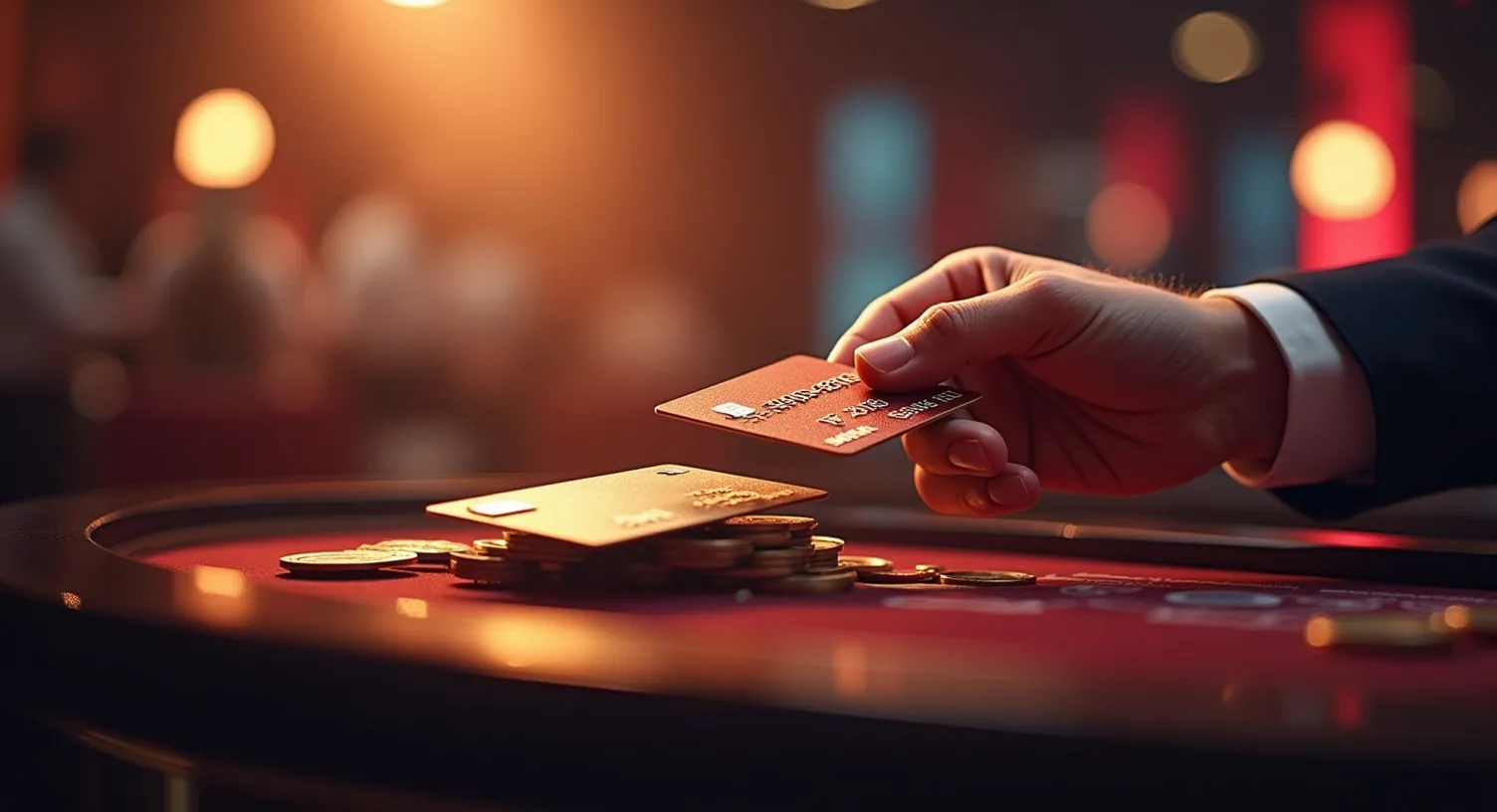
For Canadian players, one of the practical questions about mobile access is whether the banking section actually works - not just in theory, but for the methods that matter in Canada. The answer is yes: the mobile Cashier is fully functional and supports all the same deposit and withdrawal methods as desktop.
Canadian-friendly methods available through the mobile interface include:
- Interac - the most widely used Canadian banking method, available for deposits
- Visa / Mastercard - standard card deposits in CAD
- Bitcoin and Ethereum - available for both deposits and withdrawals
- Bitcoin Lightning - minimum deposit $5, useful for smaller top-ups
- eZeeWallet - available for both deposits and withdrawals
- Neosurf - minimum deposit $10, popular for players who prefer not to use bank cards online
- CashtoCode, AstroPay, Apple Pay, Google Pay - additional deposit options
Minimum deposit starts at $10 with Neosurf and $5 with Bitcoin Lightning; most other methods require $20-$25. Withdrawals on mobile follow the same rules as desktop: minimum $100, weekly limit $7,500, with Bitcoin and eZeeWallet processing fastest after the standard two-business-day internal approval period.
To initiate a withdrawal on mobile, navigate to the Cashier section (accessible from the main menu), select Withdraw, choose your method, and enter the amount. The process mirrors the desktop flow exactly. For a full breakdown of withdrawal timelines and conditions, the Ozwin withdrawal options for Canadians page covers everything in detail.
Bonuses on
Bonuses on Mobile - No Difference from Desktop
All bonuses available at Ozwin work identically on mobile. There's no separate mobile-only offer, and no bonus that's desktop-exclusive. If you're claiming the welcome package, activating a weekly promotion, or entering an NDB code, the process is the same regardless of which device you're using.
To activate a bonus code on mobile, go to the Cashier section and tap Coupons (or enter the code during the deposit flow, depending on the bonus type). The NDB code OW20FREE - a $20 free chip with a 60× wagering requirement and a $180 maximum cashout - is entered the same way on mobile. Deposit bonuses using codes OZWELCOME-B and OZWELCOME-C are entered at the deposit stage, also through the mobile Cashier.
Recurring promotions like the Friday OzDeal and Cash Boomerang cashback are claimed through live chat, which is fully accessible in the mobile interface. The World of Ozwin daily missions system is also available - you can track your progress and collect free spins rewards without switching to a desktop.
For the complete breakdown of available offers, wagering conditions, and how to use each code, see all Ozwin Casino bonus codes and terms.
Typical Issues
Typical Issues and How to Solve Them
Most Ozwin casino mobile problems are routine once you know where the usual friction points are.
Most mobile access problems at Ozwin come down to one of two things: an outdated browser or an unstable internet connection. RTG's game engine is not particularly demanding, but it does require a reasonably current browser version and a stable 4G or Wi-Fi connection to load graphics-heavy slots without stuttering.
Here are the most common issues and how to handle them:
- Games not loading or stuck on a loading screen - Update your browser to the latest version. Chrome and Safari both auto-update, but if auto-updates are disabled, a manual update usually resolves the issue. Also check that JavaScript is enabled in browser settings.
- Slow or choppy gameplay - Switch from mobile data to Wi-Fi, or vice versa if Wi-Fi signal is weak. RTG slot animations require consistent bandwidth; even a brief drop in connection can cause lag.
- Logged out after closing the tab - This is normal browser behaviour and not specific to Ozwin. Using the PWA shortcut (rather than a regular browser tab) can improve session persistence on some devices.
- "Add to Home Screen" option not visible on iPhone - This option only appears in Safari. If you're using Chrome or Firefox on iOS, the Share sheet will not include the home screen shortcut option. Switch to Safari for setup.
- Graphics display issues on older Android devices - Android 4.0 is the minimum, but older devices below Android 7.0 may struggle with newer slot titles. Lowering graphics quality in-game (available on some RTG titles) or playing older classic slots can help.
For anything that doesn't resolve with the above steps - account access issues, payment not reflecting, bonus not activating - the live chat support is available 24/7 and typically responds in under a minute.
FAQ
FAQ
These questions focus on the basics most readers want clarified.
Is there an Ozwin Casino app to download?
No. Ozwin does not have a native application in the App Store or Google Play. Mobile access is through a browser-based Progressive Web App, which you can add to your home screen for one-tap access. The full game catalogue and banking functions are available without any download.
Does the Ozwin PWA work on older Android phones?
Yes, with some limitations. The minimum requirement is Android 4.0, though Android 7.0 or higher is recommended for a smooth experience on newer slot titles. Very old devices on Android 4.x may encounter occasional rendering issues on graphics-heavy games.
How do I add Ozwin Casino to my iPhone home screen?
Open the Ozwin site in Safari, tap the Share button (the box with an upward arrow), scroll to "Add to Home Screen," and tap Add. This must be done in Safari - Chrome and Firefox on iOS do not support this function.
Can I deposit and withdraw through the Ozwin mobile browser?
Yes. The full Cashier is available on mobile, including all deposit methods - Interac, Visa, Mastercard, Bitcoin, eZeeWallet, Neosurf, and others - as well as withdrawals via Bitcoin, eZeeWallet, and Bank Wire. Minimum withdrawal is $100 regardless of method.
Are all bonuses available on mobile?
Yes. Every bonus available on desktop is accessible on mobile, including the welcome package, NDB code OW20FREE, and all recurring promotions. Codes are entered through the Cashier section on mobile, exactly as on desktop.
What is the minimum iOS version for Ozwin Casino mobile?
iOS 12 or higher. This covers iPhones from the 5S model onwards, so compatibility is not an issue for the vast majority of current devices.
Does the Ozwin mobile version support Canadian dollars?
Yes. Canadian players can deposit and transact in CAD through the mobile version. Interac, Visa, and Mastercard all support CAD deposits. Bitcoin and eZeeWallet are available for withdrawals regardless of currency.

Callum Driscoll
Online casino analyst
Casino analyst and independent reviewer covering licensing, bonus conditions, payments, and platform transparency. Callum Driscoll writes for readers who want a straight assessment - not a pitch.